How to Redeem Malam Sama Kembar Codes
Group join, Codes tab, typing rules, and troubleshooting for WIP builds.
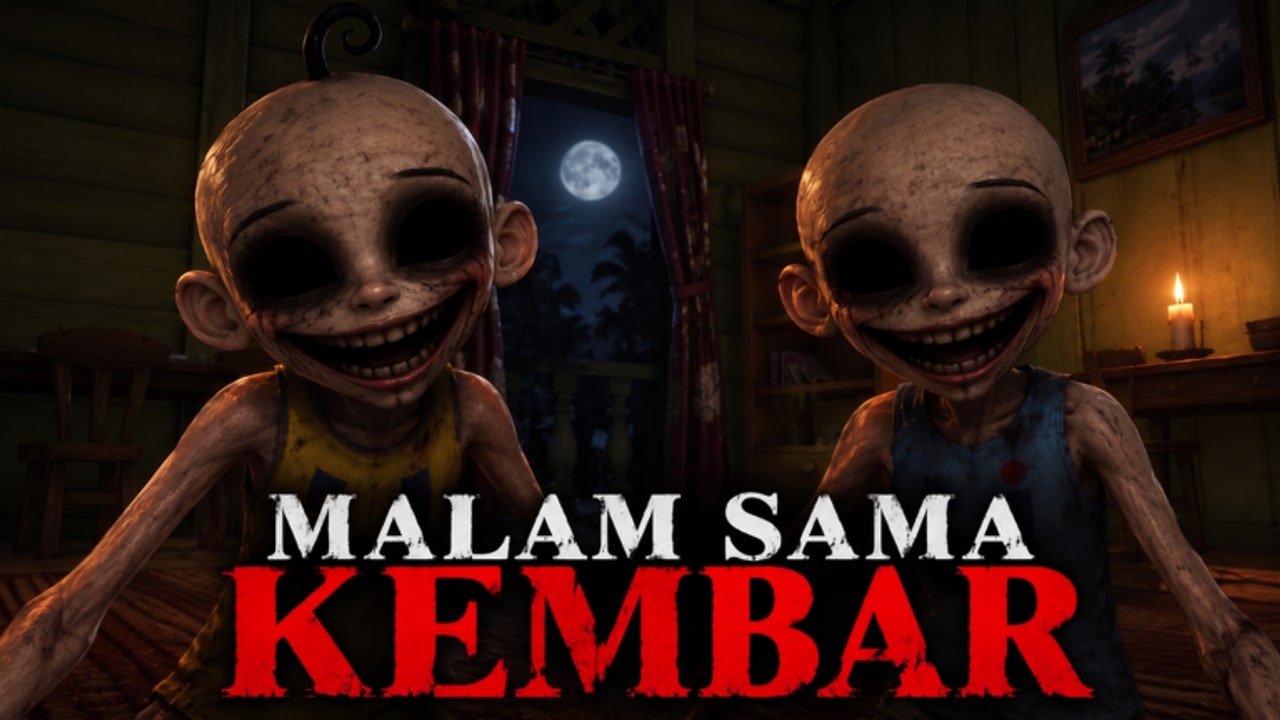
Goal of this page
This guide teaches the redeem flow for Malam Sama Kembar without pretending a public code list exists when it does not. At research time, no verified active promo codes were confirmed for this specific place. The official description still tells players to join the group to see more codes, so knowing how to redeem matters the moment My.. group drops a string.
If you only want the status table, return to the Codes Hub. If you want escape help, leave this page and open Getting Started — codes never replace keys, CODE digits, crowbar, or survival skill.
Requirements before redeeming
- A Roblox account that can play the experience.
- Access to place Malam Sama Kembar (place 95525762235977 / universe 10773775450).
- Membership in My.. group (group id 33821480, creator Phoenix5278). Join on the Roblox website or app, then wait a moment for group status to sync.
- An actual code from a trustworthy channel: group shout, group description, or developer-facing announcement. Not a random comment under an unrelated Opah horror video.
Step-by-step redeem (expected UI)
Horror escapes in this wave of Malaysian Roblox titles commonly use a Settings → Codes pattern. Until Version 1.3 WIP rearranges buttons, use this sequence:
- Launch Malam Sama Kembar and finish loading into a server.
- Open the in-experience menu (often the Roblox or game hamburger / Settings entry depending on platform).
- Enter Settings.
- Select the Codes tab or button.
- Click the text field and type the code exactly — respect capitals, underscores, and spelling.
- Press Redeem / Submit.
- Watch for a success toast, reward grant, or error message.
On mobile, rotate to landscape if the Codes field is cramped. On console, use the on-screen keyboard carefully; autocorrect is not your friend with promo strings.
Typing rules that prevent false “invalid” results
- Codes are frequently case-sensitive.
- Do not add spaces before/after the string.
- Do not translate Malay words inside a code into English.
- Do not reuse a code from Malam Sama Opah, Malam Sama Nenek, or other lookalike titles unless the My.. group explicitly shares it for this place.
- After joining the group, rejoin the server once if the game cached your old membership state.
Troubleshooting matrix
“Invalid code” immediately
- Typo or wrong game’s list.
- Code expired or never existed.
- Extra invisible character from copy-paste on mobile — type manually.
No Codes tab visible
- UI moved in a WIP patch — check Updates and Version History.
- You are on a title screen / soft lobby where Settings is limited; enter a playable server.
- Another menu layer is covering it (graphics, volume). Scroll the settings categories.
Codes tab exists but redeem always fails
- You are not in My.. group, or group join has not synced.
- The shout code is for a different experience under the same creator umbrella — verify the place name in the announcement.
- Server desync — hop servers and retry once.
Success message but no reward felt
- Some rewards are spins, currency, or apology items that only show in a separate inventory / spin UI.
- Relog once.
- If nothing appears and chat shows no grant, the “success” may be a generic UI bug — report via group channels rather than spamming redeem.
Where to find codes the right way
Priority order:
- My.. group shout
- Group description / wall
- Game description on the Roblox place page
- Developer livestream overlays (re-type, do not trust blurry screenshots alone)
- This wiki’s Codes Hub after we verify
We will not invent filler codes to make this article look “complete.” Empty honesty beats a fake table.
Codes versus the in-game CODE objective
Players confuse two different “codes”:
- Promo codes — optional redeem strings in Settings (this page).
- CODE objective — digits / note you must find inside Opah’s house to progress locks. Covered in Find Keys and Code and the Full Walkthrough.
Redeeming a promo string will not open the escape door for you.
Platform-specific tips
PC — easiest typing; keep the group page open on a second monitor while you redeem.
Mobile — disable swipe gestures that close the menu while typing; paste carefully or type twice to confirm.
Console — if paste is unavailable, have a friend read characters one by one.
After a successful redeem
Return to surviving. Practice Survive the Twins, rank your next pickup with Objective Priority, and keep Official Links bookmarked for the place and group. If a new code drops during an event week, update your notes with the date you redeemed it so you know what already landed on your account.
Ethical note
Do not sell “private code packs,” do not phish passwords under the guise of redeem bots, and do not demand kids pay real money for free strings. If someone DMs you a link that is not Roblox.com / the known group, close it.
When verified codes appear, this page stays the how-to; the hub becomes the list. Until then, join the group, learn the menu path, and spend your night escaping Opah’s house the intended way.
Frequently Asked Questions
Quick answers for keys, codes, twins, and escapes.
Do I have to join My.. group to redeem?
Yes in practice. The game description tells players to join the group to see more codes, and group gates are common in this genre.
Where is the Codes button?
Look under the in-game Settings menu for a Codes tab. WIP patches can move UI — recheck after updates.
Why does a code from another website fail?
It may be expired, mistyped, or meant for a differently named horror experience. Use My.. group sources and our Codes Hub.
Is the house CODE the same as a promo code?
No. The house CODE is an escape objective. Promo codes are optional Settings redeems.
Are any codes confirmed right now?
No verified active promo codes were confirmed at research time. Check the group shout and the Codes Hub for updates.